Workout Timer Support
Everything you need to know about the Workout Timer app
About Workout Timer
Workout Timer is a powerful and flexible interval timer designed for all types of workouts and exercise routines. Whether you're into HIIT, strength training, circuit workouts, or any other form of interval-based exercise, our timer has you covered.
With customizable workout periods, rest intervals, and multiple rounds, you can create the perfect timer for your specific fitness needs. Save your favorite configurations and access them anytime, or use our pre-configured workout presets to get started quickly.
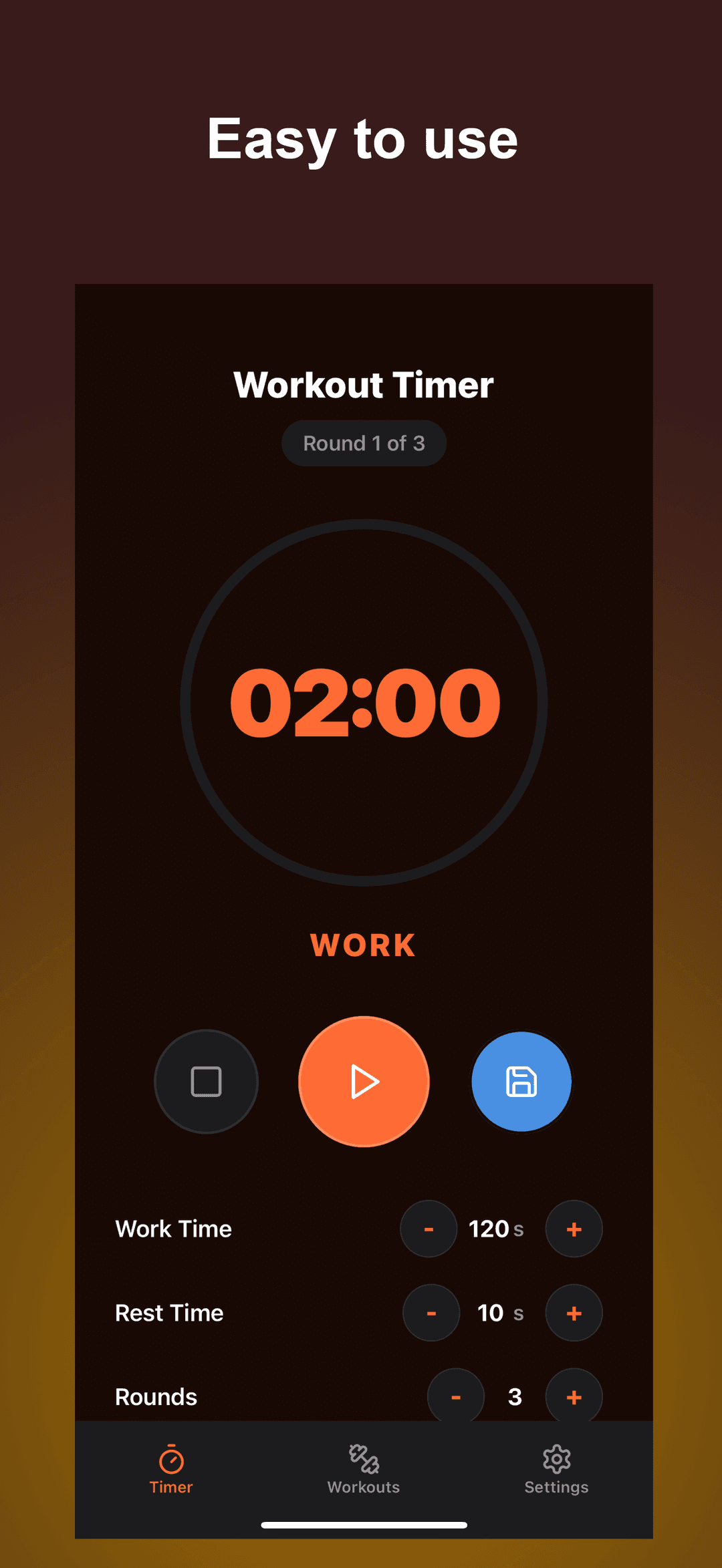
The Workout Timer interface showing the timer configuration screen
Key Features
Customizable Intervals
Set your own workout and rest periods, number of exercises, and rounds to create the perfect timer for your routine.

Preset Workouts
Choose from our library of preset workouts including HIIT, Tabata, Strength Training, and more to get started quickly.
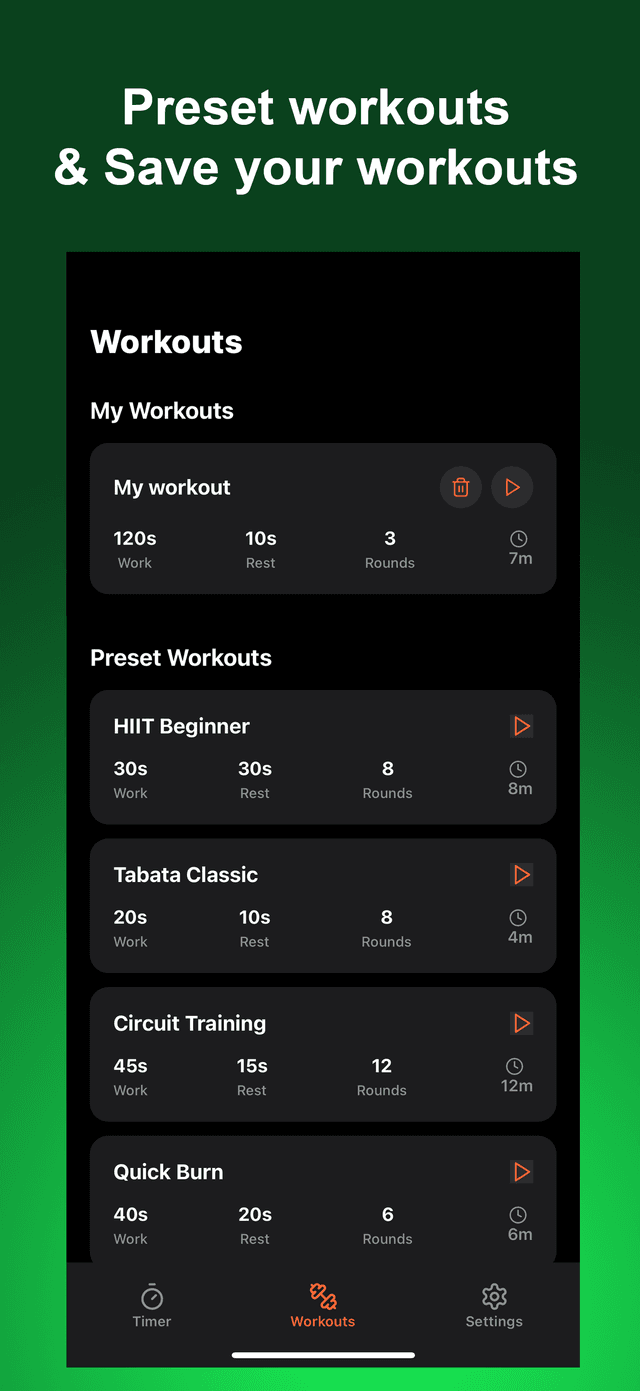
Save & Share
Save your favorite workout configurations and share them with friends via a unique URL.
Visual & Audio Cues
Clear visual indicators and audio alerts help you stay on track during your workout without constantly checking the screen.
Frequently Asked Questions
How do I create a custom workout?
On the main Workout Timer page, you'll find input fields for workout time, rest time, number of workouts, number of repeats, and repeat rest time. Adjust these values to create your custom workout, then click "Start Workout" to begin.
Can I save my workout configurations?
Yes! After configuring your workout, click the "Save" button. Your workout will be saved to your browser's local storage and will appear in the "Your Saved Workouts" section for easy access in the future.
How do I share my workout with others?
Click the "Share" button in the top right corner of the configuration panel. This will copy a unique URL to your clipboard that contains all your workout settings. You can then paste and share this URL with others.
What are the keyboard shortcuts?
- Space - Toggle Start/Pause
- Enter - Start Timer
- Esc - Stop Timer
Does the timer work on mobile devices?
Yes, the Workout Timer is fully responsive and works on all devices including smartphones and tablets. The interface will automatically adjust to provide the best experience on your device.
Where can I find your privacy policy?
Our privacy policy is available here. We do not collect any personal information, and all data is stored locally on your device.
Need More Help?
If you have any questions or issues that aren't covered in the FAQ, please don't hesitate to contact our support team.
Contact Support
Email us at: support@timekit.uk
Please include as much detail as possible about your issue, including:
- The device and browser you're using
- Steps to reproduce the issue
- Screenshots if applicable
- What you expected to happen vs. what actually happened
We aim to respond to all support requests within 24-48 hours.